



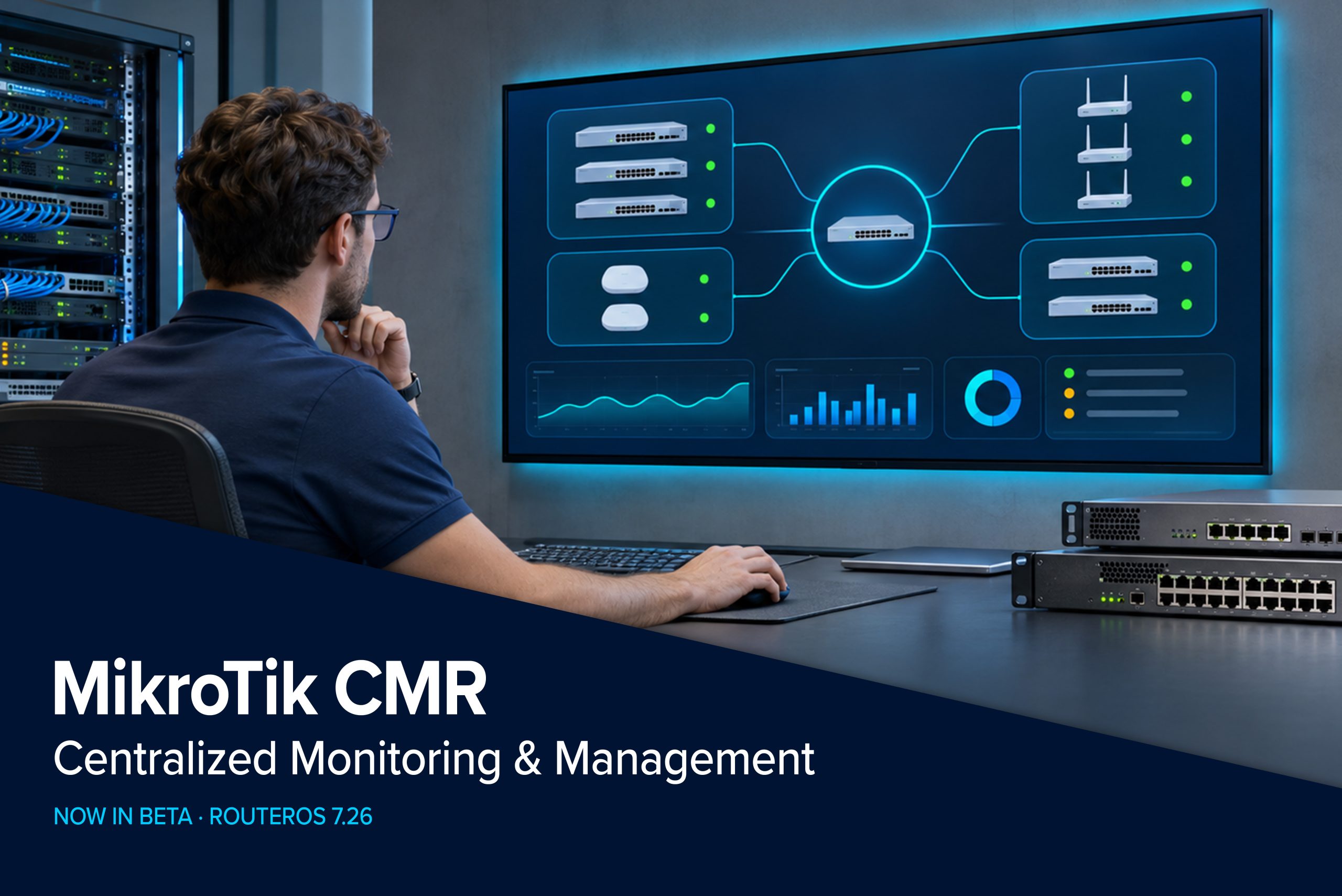
MikroTik CMR: Centralized Monitoring and Management Enters Beta
You asked for a central place to monitor and manage MikroTik devices. MikroTik has delivered the first step: CMR is now available in beta with RouterOS 7.26.
For dealers, integrators, MSPs, and network administrators, keeping track of individual devices can become a bigger job as installations grow. CMR brings fleet visibility and common management tasks into a central interface, giving network professionals a new tool to evaluate for their MikroTik deployments.
Quick Answer: What Is MikroTik CMR?
-
CMR is MikroTik’s new centralized platform for monitoring and managing supported RouterOS devices. It brings device status, performance information, software upgrades, alerts, and commands across selected devices together in one place.
Release status: As of November 5, 2026, CMR is a beta feature introduced in RouterOS 7.26beta1. It is an early-access release for evaluation and feedback.
What CMR Does
From device inventory to network provisioning, explore the tools CMR brings into one central interface.
Know Your Devices
View each client device’s identity, board, RouterOS version, installed packages, connection state, and labels.
Coordinate Your Upgrades
Upgrade groups of devices using rules for a release channel or pinned version, schedule, group order, and failure policy. Packages come from MikroTik update servers or a directory on the server.
Watch for Changes
Monitor resource usage, health sensors, availability, upgrades, interfaces, and log lines. When a condition is met, CMR can write a log message, run a script, or call a webhook.
Act Across Multiple Devices
Run a script on selected devices and review the output from each. Reboot, upgrade, or pair devices from the central interface.
See Device Activity
View a live summary of selected devices, including connection state, resource usage, interfaces, traffic, and Wi-Fi clients.
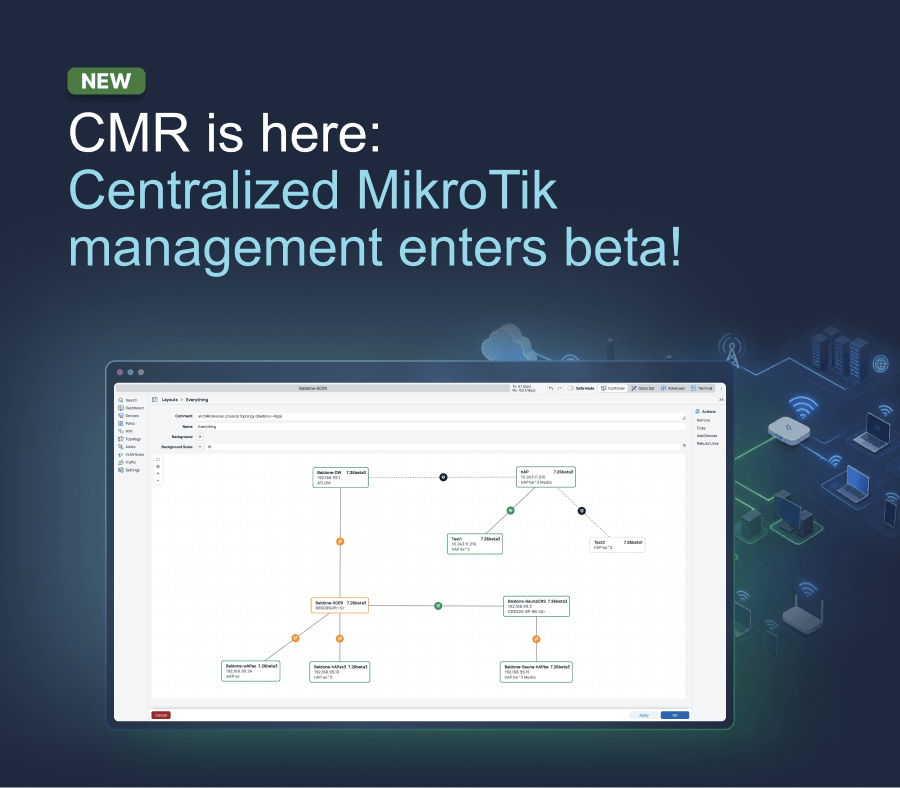
See How Your Network Connects
Explore network maps in the graphical interface, with links between devices built from neighbor and port data.
Understand Application Traffic
Collect statistics about applications passing through selected routers, typically at the network gateway.
Apply Wi-Fi Settings Centrally
Define Wi-Fi networks and radio settings once, then apply them to selected access points, including settings by band.
Organize Your Network Ports
Assign selected ports on client devices to VLANs as access or trunk ports.
Why This Matters to NACE Customers
Installing equipment is only part of the customer relationship. Dealers and integrators also need a practical way to keep track of the networks they support.
For an integrator supporting hospitality, senior living, commercial, or surveillance installations, the question is straightforward: could a central device view make the next maintenance visit or support conversation better informed? CMR gives your technical team a new option to explore.
Start by identifying the monitoring and maintenance tasks your team repeats most often. Then evaluate whether CMR fits those tasks and your support model. Device grouping, network access, and customer separation should be considered as part of that review.
What Should You Know Before Trying the Beta?
- Begin with a lab or controlled test environment. Back up configurations and assess behavior before considering customer production networks.
- Check device compatibility. The CMR server package supports arm, arm64, and x86. CMR clients exclude smips and powerpc.
- Understand the scope. CMR is not a complete replacement for device-level routing, firewall, DHCP, or user configuration.
- Plan access and pairing. Devices must be able to reach the controller and be paired before management begins.
Use the current MikroTik CMR documentation and RouterOS beta release discussion when planning your evaluation. MikroTik is inviting beta users to share feedback on what works and what still needs improvement.
Explore MikroTik with NACE
-
As a MikroTik Master Distributor, NACE helps installers, dealers, and integrators select equipment and plan networking solutions. If you are evaluating MikroTik for a new project or expanding an existing deployment, bring us your requirements and questions.
Talk with NACE about your MikroTik network.
800-688-9282 | sales@nace.tv
Explore MikroTik solutions from NACE
Frequently Asked Questions
Is MikroTik CMR available now?
Yes. CMR is available in beta starting with RouterOS 7.26beta1.
Can CMR manage every MikroTik device?
No. Compatibility depends on RouterOS and device architecture. Check the current server and client requirements before selecting equipment for testing.
Does CMR replace all RouterOS configuration tools?
No. It centralizes selected monitoring and management functions; device-level configuration remains necessary.
Sources: MikroTik Distributor Newsletter, November #2026-7; MikroTik CMR and CMR-Client documentation; RouterOS 7.26 beta release notes. Prepared November 5, 2026. Beta capabilities and requirements may change.